Digital Art Cost Estimator
Estimate your true expenses as a digital artist. Unlike traditional media, digital art involves recurring software fees and periodic hardware upgrades. This tool helps you visualize the long-term financial commitment.
Your Setup Details
Cost Breakdown
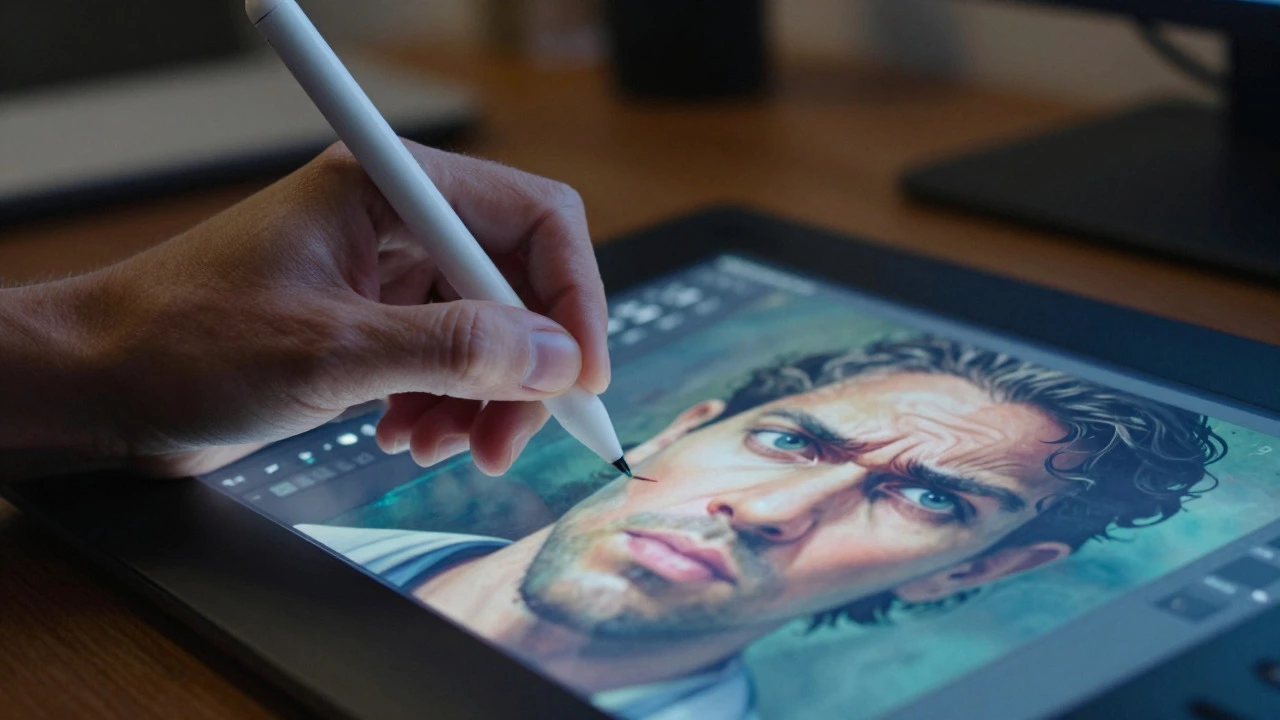
You just spent three hours tweaking a layer mask in Photoshop, and it looks crisp. But when you print it, the colors shift, the texture feels flat, and your client asks if you can "make it look less like a computer made it." Sound familiar? While digital tools offer undo buttons and infinite canvas space, they come with a set of frustrating constraints that traditional media simply don’t have. It’s not about which medium is better-it’s about knowing where the friction points are before you commit to a workflow.
Most artists jump into digital because it seems easier. No messy paints, no drying time, no ruined canvases. But once you’re deep in the process, the disadvantages start to creep in. From hardware costs to the elusive "digital feel," these issues can stall your creativity or hurt your sales. Let’s break down the real downsides, so you can decide if sticking with pixels is worth the hassle for your specific goals.
The High Cost of Entry and Maintenance
Let’s talk money. People often think digital art is cheap because you don’t buy tubes of oil paint every month. That’s misleading. The upfront investment is steep, and it doesn’t stop there. You need a reliable computer, a high-quality monitor with accurate color calibration, and a drawing tablet or display. A basic setup might cost $500, but a professional rig with an iPad Pro or a Wacom Cintiq easily pushes past $1,500.
Then there’s the software subscription model. Adobe Creative Cloud charges around $54.99 USD per month for the full suite. If you cancel, you lose access to your files unless you’ve exported them carefully. Unlike buying a box of acrylics once, this is a recurring bill that never ends. Plus, hardware becomes obsolete quickly. A graphics card that runs Blender smoothly today might struggle with next year’s updates. You’re essentially renting your ability to create, rather than owning your tools outright.
The "Plastic" Look and Texture Issues
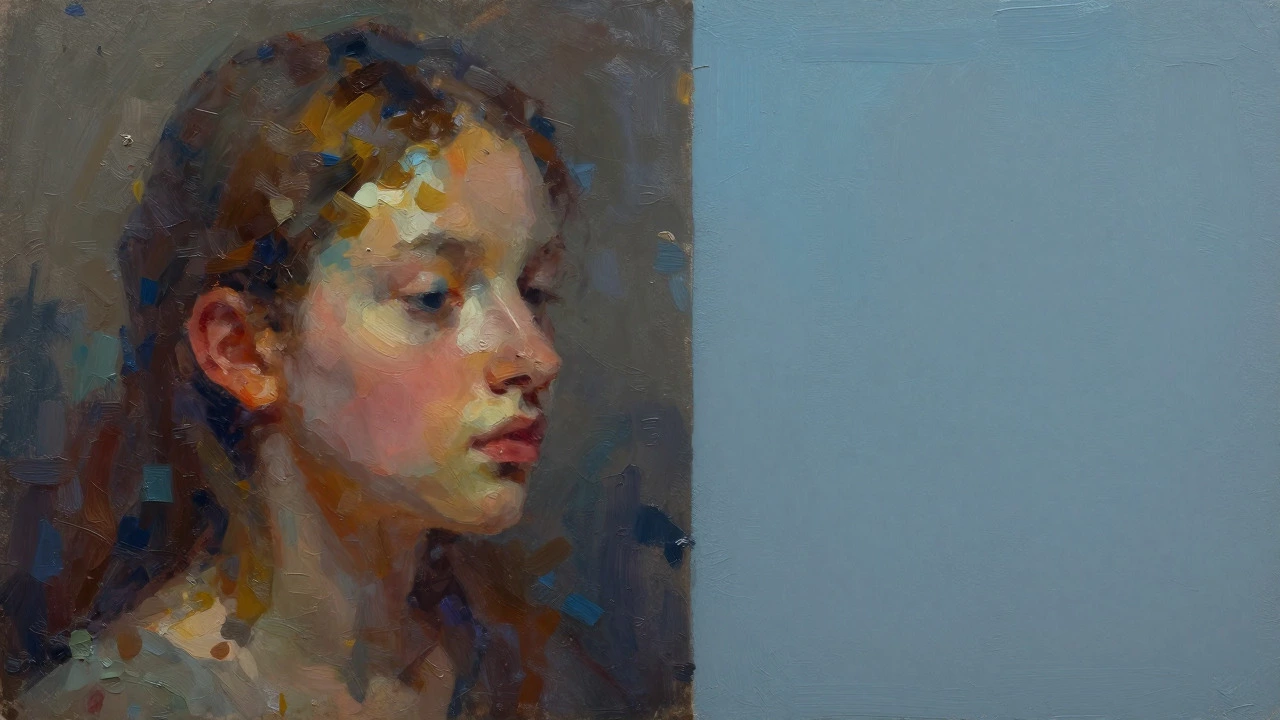
Here’s the big one: digital art often lacks physical texture. When you paint on paper or canvas, the brush drags through pigment, creating ridges and depth. On a screen, everything is smooth glass. Even with pressure-sensitive styluses, replicating the grain of watercolor paper or the impasto of oil paint requires complex brushes and filters. Many beginners end up with artwork that looks "clean" but sterile-what critics often call the "plastic" look.
This isn’t just aesthetic snobbery; it affects marketability. Collectors who love art often want to see the artist’s hand. They want to know how much effort went into a stroke. With digital, that evidence is hidden behind layers and undo commands. Unless you intentionally add noise or texture overlays, your work can feel detached from the physical world. This makes it harder to sell as "fine art" compared to original paintings, even if the skill level is identical.
Hardware Dependency and Technical Glitches
Try drawing with a dead battery or a crashed app. In traditional art, if you run out of coffee, you still have your charcoal. In digital, if your laptop freezes, your work vanishes. Yes, autosave exists, but it’s not perfect. I’ve seen friends lose entire projects because a program corrupted a file during a crash. There’s also the issue of input lag. Cheaper tablets have a delay between moving your pen and seeing the line appear on screen. This disconnect disrupts muscle memory, forcing you to compensate constantly.
Then there’s the eye strain. Staring at a backlit screen for eight hours a day causes headaches and dry eyes in ways that looking at a matte canvas does not. Blue light exposure can mess with your sleep cycle if you work late. Traditional artists get tired muscles; digital artists get migraines. It’s a different kind of fatigue, but it’s real and it limits how long you can effectively work each day.
File Formats and Archival Uncertainty
How do you preserve a digital painting for 100 years? We know oil paintings last centuries if cared for properly. Paper yellows, sure, but it survives. What about a .PSD file from 2005? Will it open in 2030? Software formats change. Proprietary files (like those from Corel Painter or Clip Studio Paint) can become unreadable if the company goes under or stops supporting older versions. JPEGs compress data, losing quality over time. PNGs are lossless but large.
There’s no standard "archival format" for digital art yet. PDF/A is used for documents, but it’s not ideal for layered creative work. Artists have to actively manage their archives, converting files to open standards like TIFF or SVG regularly. It’s digital housekeeping that traditional artists never worry about. If you don’t back up your work to multiple locations (cloud, hard drive, tape), you risk total loss. A fire destroys a studio, but a server wipe destroys a portfolio.
The Saturation Problem and Market Devaluation
Digital art is easy to copy. An original oil painting has only one version. A digital file can be emailed, shared, and printed infinitely without degradation. This abundance devalues the perceived scarcity of the work. NFTs tried to fix this by creating artificial scarcity, but the market cooled off significantly after the 2021-2022 hype cycle. Today, clients often expect digital illustrations to be cheaper than traditional ones because they assume it was "just clicks."
This leads to a race to the bottom on pricing. Because anyone with a tablet can claim to be a digital artist, the barrier to entry is low. Competition is fierce. Platforms like Fiverr or Upwork are flooded with artists willing to work for $10 per piece. Standing out requires more than just technical skill; you need a strong brand and a unique style. The ease of production means volume is expected, leading to burnout for many freelancers who feel pressured to produce more, faster, for less.
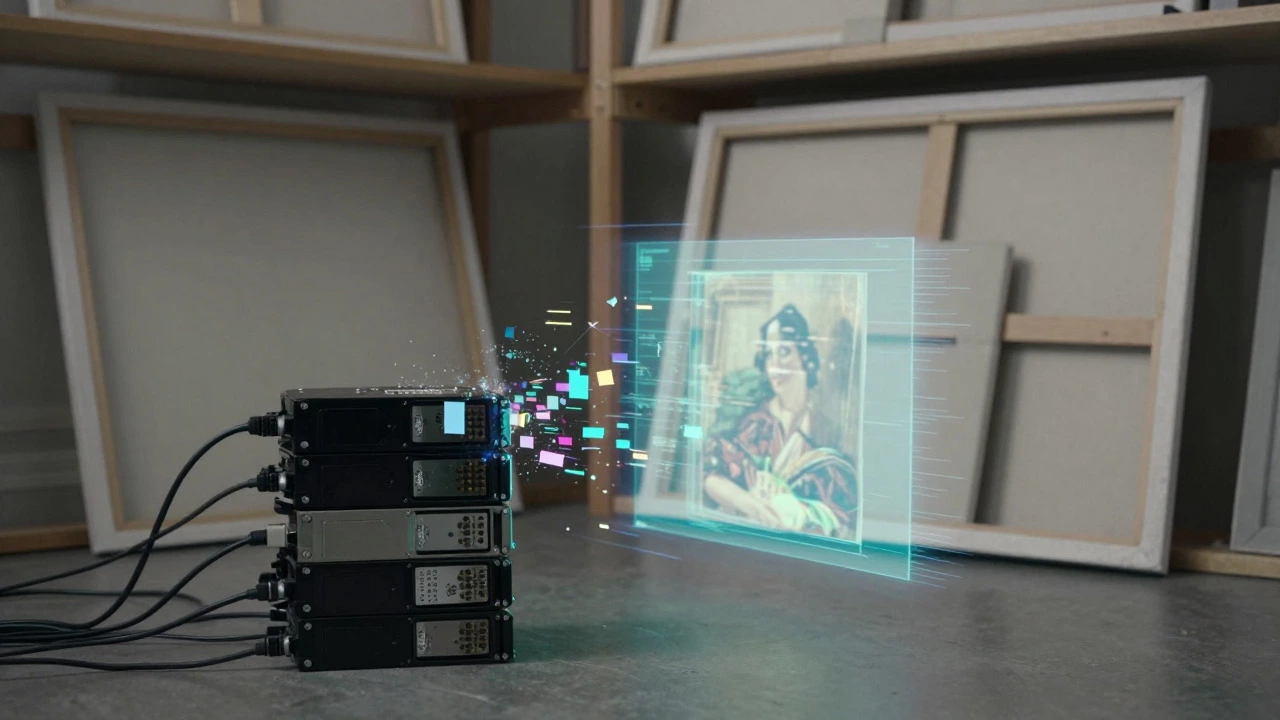
Comparison: Digital vs. Traditional Challenges
| Feature | Digital Art | Traditional Art |
|---|---|---|
| Initial Cost | High ($500-$2000+) | Low to Medium ($50-$300) |
| Ongoing Costs | Subscriptions & Hardware Upgrades | Consumables (Paint, Canvas) |
| Error Correction | Easy (Ctrl+Z) | Difficult (Overpainting/Starting Over) |
| Texture/Authenticity | Simulated, often lacks physical depth | Natural, visible brushstrokes |
| Archival Stability | Format dependent, risk of obsolescence | Proven longevity (centuries) |
| Health Impact | Eye strain, sedentary posture | Muscle strain, fumes (oils/solvents) |
Strategies to Mitigate These Downsides
So, should you quit digital art? Not necessarily. Just go in with eyes open. Here’s how to handle the negatives:
- Invest in Calibration: Use a hardware calibrator (like Datacolor Spyder) for your monitor. This ensures what you see is what prints, reducing frustration.
- Hybrid Workflow: Print your digital sketches and paint over them with traditional media. This adds physical texture and authenticity while keeping the convenience of digital planning.
- Limit Subscription Fatigue: Consider one-time purchase software like Affinity Designer or Krita (free). It saves money long-term and avoids the "rent-to-create" trap.
- Embrace the Medium: Don’t try to fake oil paint if you hate doing it. Lean into vector shapes, clean lines, and graphic styles where digital excels. Stop fighting the tool.
Frequently Asked Questions
Is digital art considered "cheating"?
No, but some purists argue it removes the element of risk. In traditional art, mistakes are permanent and part of the process. In digital, the undo button allows for endless perfectionism, which some critics feel dilutes the raw energy of the creation. However, skill lies in composition, color theory, and idea generation, all of which apply equally to both mediums.
Why does my digital art look flat when printed?
This is usually due to color space mismatches. Screens use RGB (Red, Green, Blue) light, while printers use CMYK (Cyan, Magenta, Yellow, Black) ink. Colors that glow on a screen may look dull in print. Always convert your file to CMYK or soft-proof it using printer-specific profiles before sending to print.
Do digital artists earn less than traditional artists?
It varies. Commercial sectors like advertising, UI design, and concept art heavily favor digital workflows and pay well. Fine art markets often value originals higher due to scarcity. However, digital artists can scale income by selling prints and licensing images, whereas traditional artists are limited by the number of physical pieces they can produce.
What happens to my art if the software company shuts down?
If you saved in proprietary formats (like .PSD or .AI), you might lose access to layers. To protect yourself, always export a flattened TIFF or PDF/A version of your final work. Keep source files backed up, but treat the flattened image as your primary archival record.
Can digital art have emotional depth?
Absolutely. Emotion comes from subject matter, color palette, and composition, not the tool. Artists like Loish or Craig Mullins prove that digital work can evoke strong feelings. The key is to avoid over-polishing until the soul of the piece is lost.