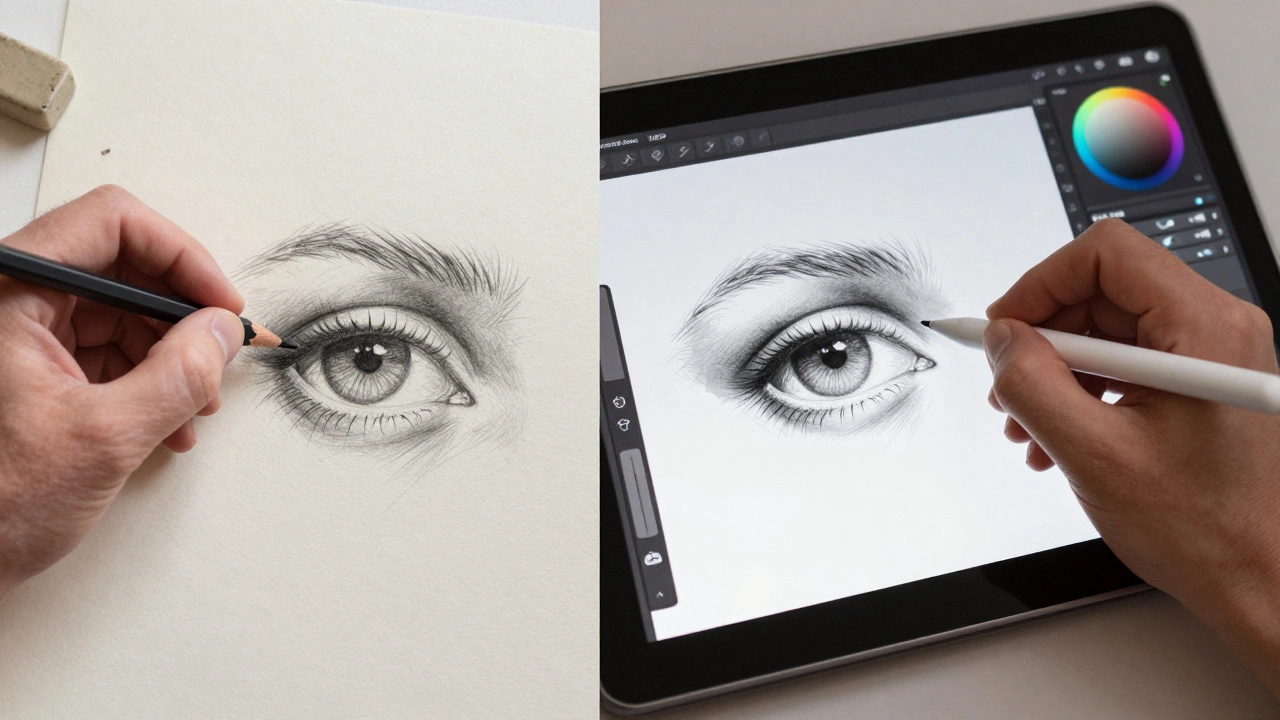
Art Medium Path Finder
Which art path aligns best with your current goals? Select the priorities that matter most to you:
My Priorities:
Quick Takeaways
- Both mediums require the same core knowledge of anatomy, lighting, and composition.
- Digital art has a steeper technical learning curve due to software and hardware.
- Traditional drawing has a steeper physical "risk" curve because mistakes are harder to fix.
- Digital tools speed up the workflow but can lead to "over-editing" and procrastination.
The Shared Foundation: Why the Struggle is the Same
Before we talk about pixels and paper, we need to address the biggest myth in the art world: that the medium does the work for you. Whether you are using a Wacom Tablet or a piece of charcoal, the screen or paper is just a delivery system. If you don't understand how light hits a sphere or how a shoulder connects to a neck, a fancy brush in Adobe Photoshop won't fix it.
Think of it like learning a language. Traditional drawing is like writing with a quill and ink; digital art is like using a word processor. The word processor lets you delete typos instantly, but it doesn't tell you how to write a compelling story. You still need to know grammar, vocabulary, and structure. In art, those "grammar rules" are things like perspective, value, and color theory. If you struggle with proportions in a sketchbook, you'll struggle with them on a tablet too.
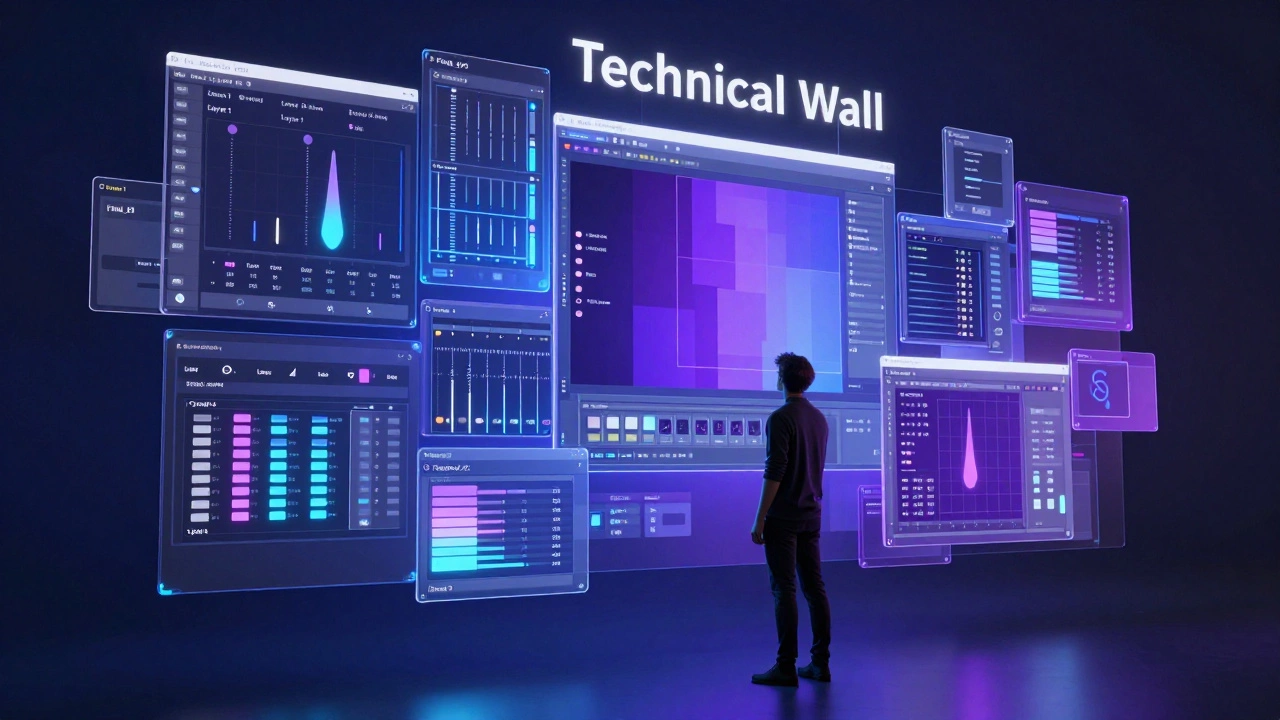
The Technical Wall: Where Digital Art Gets Harder
If traditional drawing is a sprint, digital art starts with a long hike through a technical manual. When you pick up a pencil, you're ready to go. When you start with digital art, you have to deal with Hardware and Software. You've got to figure out pressure sensitivity, driver installations, and the dizzying array of brush settings.
Then there are Layers. While they are a godsend, they introduce a new kind of complexity. You might find yourself with 50 layers named "Layer 1," "Layer 2 copy," and "Final_Final_v3," only to realize you painted the eyes on the background layer and can't erase them without destroying the whole piece. There is also the concept of "brush engine" settings-jitter, spacing, and flow-which can feel more like engineering than painting.
| Challenge | Traditional Drawing | Digital Art |
|---|---|---|
| Initial Setup | Instant (Pencil & Paper) | Complex (Tablet, PC, Software) |
| Mistake Correction | Hard (Erasers, Scraping) | Easy (Ctrl+Z / Undo) |
| Material Cost | Recurring (Paper, Ink, Paint) | High Upfront (Device, Licenses) |
| Tactile Feedback | High (Texture of paper) | Low (Glass/Plastic feel) |
| Knowledge Base | Art Fundamentals | Fundamentals + Tech Proficiency |
The Safety Net Trap: Why Easy is Sometimes Harder
This is where things get interesting. Digital art provides the "Undo" button, which is the single most powerful tool in any artist's arsenal. But this safety net can actually hinder your growth. When you draw on paper, you are forced to be intentional. You think twice before committing a heavy line with a marker because you know you can't take it back. This builds a mental discipline that digital artists often skip.
Digital artists often fall into the trap of "pixel-pushing." Because it's so easy to tweak a line by one pixel or move a shape slightly to the left, it's easy to spend three hours obsessing over a detail that no one will ever notice. This leads to a strange paradox where a digital piece takes longer to finish than a traditional one because the artist refuses to stop tweaking. The lack of a "finished" state-since everything can always be changed-can be psychologically exhausting.
Physicality and the "Feel" of the Medium
There is a massive disconnect in the physical experience. Traditional drawing is a multisensory activity. You smell the turpentine, feel the tooth of the Cold Press Paper, and hear the scratch of the pencil. This tactile feedback provides a natural limit and a sense of connection to the work.
Digital art, especially on a glass screen like an iPad Pro, can feel slippery. Many artists struggle with the "ice skating" effect, where the pen glides too easily, leading to shaky lines. While things like matte screen protectors help, it's a different physical skill to master. You're essentially learning to coordinate your hand and eye across a gap (if using a non-screen tablet) or on a surface that doesn't push back the way paper does.
The Workflow Leap: Efficiency and Iteration
Where digital art undeniably wins is in the iteration phase. Imagine you're painting a character and decide the red cloak should actually be blue. In traditional Gouache or oil, that's a nightmare. You might have to scrape paint off or repaint the entire section, risking the integrity of the underlying layers.
In a program like Procreate or Clip Studio Paint, you can use a hue-shift slider or a clipping mask to change a color in five seconds. This allows for a level of experimentation that is simply impossible on paper. You can try ten different color palettes for one painting without wasting any materials. This speed doesn't make the art "easier" to create-it just means you can fail faster and learn more quickly.
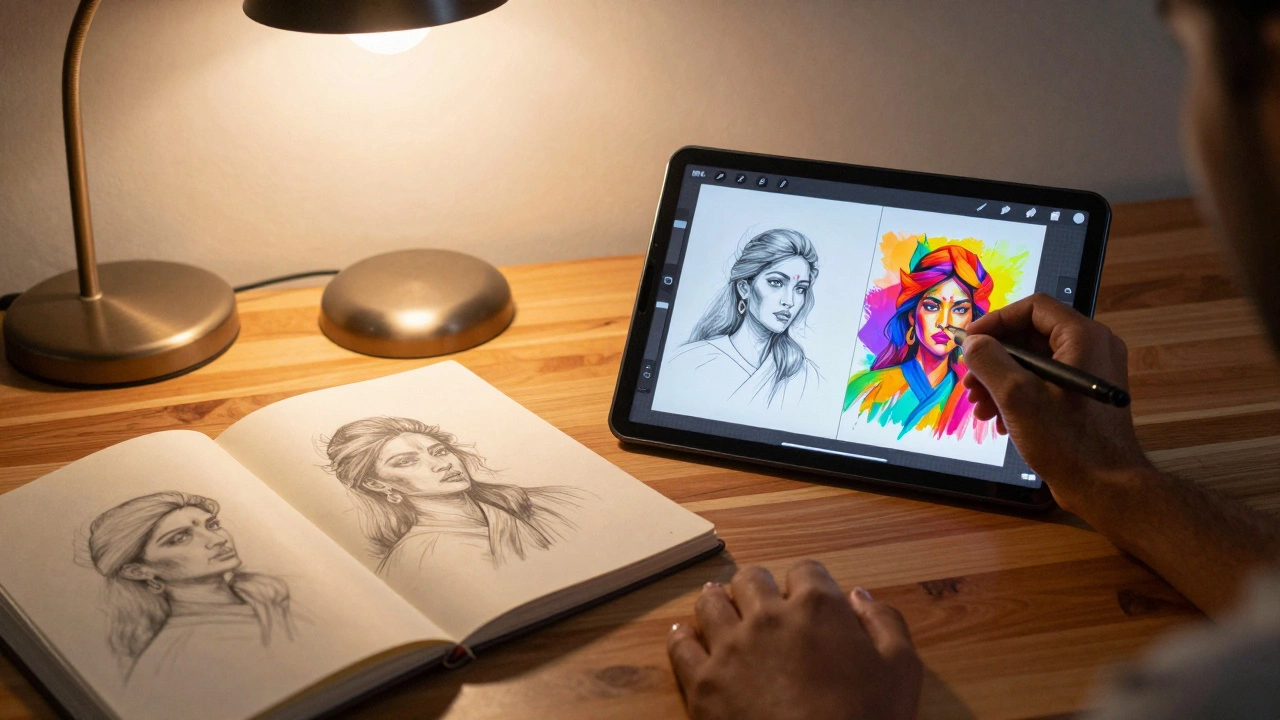
Which One Should You Start With?
If you're debating where to put your energy, don't let the "hardness" determine your choice. If you love the smell of ink and the feeling of a physical object you can hold and sell, go traditional. If you want to work in the gaming or film industry, where Concept Art and speed are everything, go digital.
The best approach? Do both. The most successful artists usually bridge the gap. They sketch their initial ideas in a cheap notebook to keep their brain agile, then move to the computer for polishing and coloring. By doing this, you get the discipline of traditional art and the power of digital tools. You stop worrying about which is harder and start focusing on what makes your work better.
Does digital art make you a better artist?
Not automatically. Software provides tools, not skill. However, the ability to iterate quickly-trying different colors and compositions without starting over-can accelerate your learning process if you are disciplined about practicing fundamentals.
Can I learn digital art without knowing how to draw traditionally?
Yes, you can. Many people start directly with a tablet. But be aware that you'll still need to study the same basics: perspective, anatomy, and light. The software won't teach you these; you'll need to study them through tutorials or books regardless of your medium.
Is traditional art more "valuable" than digital art?
In the fine art market, a physical painting is often seen as more valuable because it is a unique, one-of-a-kind object. Digital art can be reproduced infinitely, although the rise of digital collections and high-end prints has started to change how people perceive and value digital work.
What is the hardest part of switching from traditional to digital?
The most common struggle is the "feel" of the pen on glass and the overwhelming amount of options in the software. Many artists feel paralyzed by the thousands of brush choices and settings, which can lead to a loss of the intuitive flow they had with a pencil.
Which software is best for absolute beginners?
For those on an iPad, Procreate is highly intuitive and feels natural. For PC users, Krita is a fantastic, free, open-source option that provides professional-grade tools without the cost of a subscription like Photoshop.
Next Steps for Your Art Journey
If you're feeling stuck, try a "hybrid challenge." Spend one week drawing only in a sketchbook, focusing on bold lines and no erasing. Then, spend the next week taking those sketches into a digital program and experimenting with colors. You'll quickly see where your strengths lie and where the tools are actually helping-or hindering-your progress. If you find the digital side too frustrating, take a break from the software and go back to a simple pencil; sometimes the best way to solve a digital problem is with a traditional solution.
latest post
What Does Contemporary Style Look Like? A Practical Guide
By Celeste Arkwright / Oct, 6 2026
Is Modern Art Still Popular? A 2026 Reality Check
By Celeste Arkwright / Oct, 2 2026