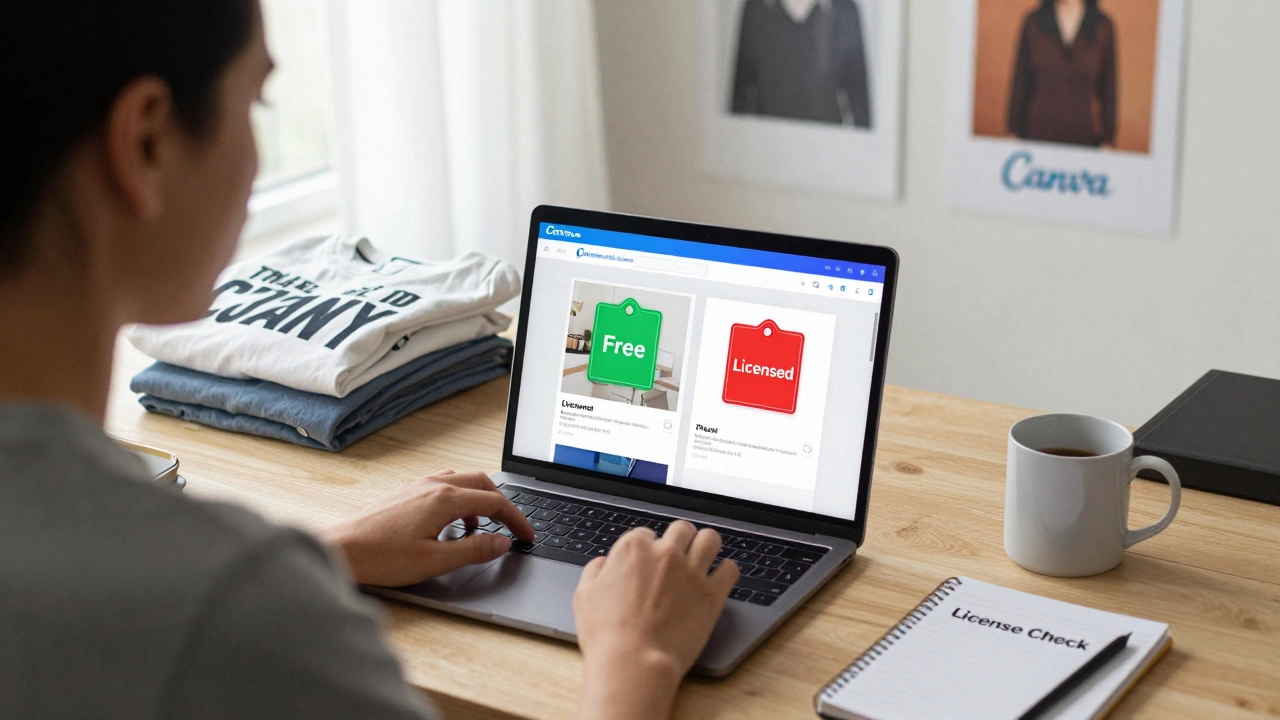
Many people use Canva to create social media graphics, logos, posters, and even t-shirt designs. But if you’re thinking about selling those designs - whether on Etsy, Shopify, or at a local market - you’re probably wondering: Is it legal to sell designs from Canva? The short answer? It depends. Not all Canva content is created equal when it comes to commercial rights. And if you get it wrong, you could face legal trouble, account bans, or even lawsuits.
What You Can and Can’t Sell from Canva
Canva offers millions of design elements: photos, illustrations, fonts, icons, templates, and more. But not all of them are free to use for commercial purposes. The key is understanding the difference between Canva’s free elements and its licensed content.
Canva’s Free Elements are graphics, photos, and fonts that Canva owns or has licensed for unlimited commercial use. These are safe to use in designs you sell. You’ll see a green "Free" tag on these items. Many stock photos, basic shapes, and simple icons fall into this category.
On the other hand, Pro Elements are premium assets that require a Canva Pro subscription to access. Once you have Pro, you can use them in commercial designs - including selling prints, merchandise, or digital products. You don’t need to pay extra per download, but you must be an active subscriber.
Here’s where people get into trouble: Third-Party Content - like stock photos from Shutterstock or Adobe, or fonts from independent designers - are often embedded in Canva templates. These come with their own licenses. Even if you have Canva Pro, you can’t sell designs that include these unless the original license allows resale. You’ll usually see a "Licensed" tag next to these items, and sometimes a warning like "Not for resale."
What Happens If You Sell a Canva Design With Restricted Content?
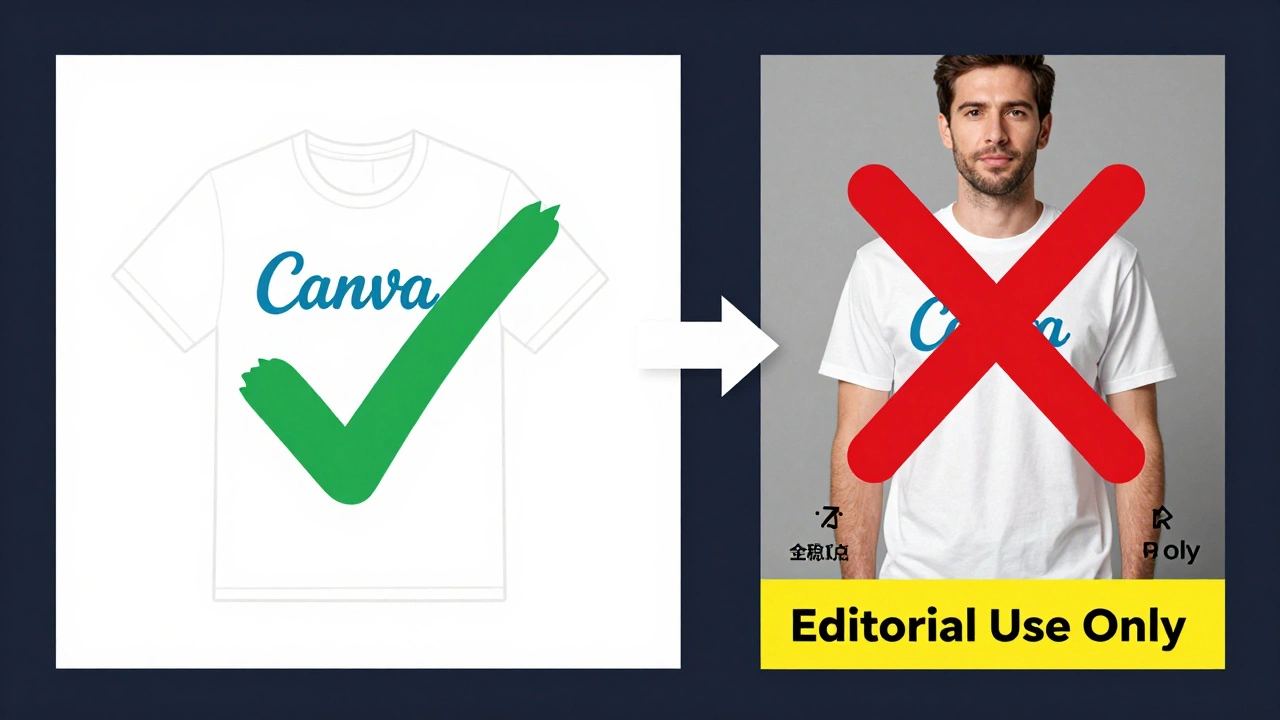
Let’s say you used a Canva template with a photo labeled "Editorial Use Only." That means it’s meant for news, blogs, or commentary - not for products you sell. If you print that image on a t-shirt and list it on Etsy, you’re violating the license. The original photo owner can file a copyright claim. Canva may suspend your account. And if the rights holder sues, you could owe thousands in damages.
There’s no warning when you upload your design to Etsy or Amazon. The platform won’t check if you used a restricted Canva asset. But if someone reports your product - a competitor, a photographer, or even a random person who recognizes the image - your listing gets taken down. Your account might get flagged. And if you’ve been selling for months, you could lose all your revenue.
How to Check If a Canva Asset Is Safe to Sell
Before you sell anything, always check the license status of every major element in your design. Here’s how:
- Open your design in Canva.
- Click on the element - image, font, icon, or graphic.
- Look at the info panel on the right.
- If it says "Free," you’re good to sell.
- If it says "Pro," you need a Canva Pro subscription to use it commercially.
- If it says "Licensed" or "Editorial Use Only," don’t use it in products you sell.
Also, avoid using templates labeled "For Personal Use Only." These are often created by third-party designers who didn’t license them for resale. Even if you paid for the template, the license doesn’t transfer.
Fonts Are a Big Risk
Fonts are one of the most overlooked dangers. Canva includes hundreds of fonts - some free, some Pro, and some with strict restrictions. Many fonts you see on Canva are licensed for display only - meaning you can use them in a social media post, but not in a printed product you sell.
For example, the font "Poppins" is free for commercial use. But "Cormorant Garamond" - a popular elegant font - requires a separate license if you embed it in physical products like mugs or posters. If you print a quote using Cormorant on a canvas and sell it, you’re breaking the font’s license, even if you’re using it inside Canva.
Canva doesn’t always make this clear. Always check the font’s license page. You can find it by clicking the font name in Canva and selecting "View license." If it says "Commercial use allowed," you’re safe. If it says "Web use only" or "Not for merchandise," skip it.
Can You Sell Canva Templates Themselves?
Another common question: Can you sell your own Canva template as a downloadable product? The answer is yes - but with conditions.
You can create and sell a Canva template if:
- All elements in the template are either Free or Pro (and you have a Pro subscription)
- You didn’t include any third-party licensed content
- You didn’t copy someone else’s template and call it your own
You can’t sell a Canva template if it includes:
- Editorial-only images
- Fonts that don’t allow commercial embedding
- Logos or trademarks (like Disney, Nike, or Coca-Cola)
- Content from other designers that you didn’t create
Many designers sell Canva templates on Etsy and Gumroad. But the ones who stay in business always check every asset. They build their templates from scratch using only Canva’s free and Pro assets. They also include a license agreement with their download that tells buyers what they can and can’t do with the template.
Real-World Examples of Legal vs. Illegal Sales
Here are two real scenarios:
Legal: You design a set of Instagram post templates using only Canva’s free stock photos and Pro fonts (with an active Pro subscription). You sell them as a digital bundle on Etsy. No third-party assets. No trademarks. You’re fine.
Illegal: You use a Canva template that includes a stock photo of a model from a third-party library. You print it on canvas, sell 200 units on Amazon, and get a cease-and-desist letter from the photographer. The photo was licensed for editorial use only. You owe $5,000 in damages.
The difference? One person checked every asset. The other assumed "it’s on Canva, so it’s free to sell." That assumption costs people money - and sometimes their businesses.
What About AI-Generated Content in Canva?
Canva’s AI tools - like Magic Design, AI Image Generator, and Text to Video - are getting popular. Canva says you own the content you create with its AI tools, as long as you don’t violate its terms. That means you can sell AI-generated images as prints or merchandise.
But here’s the catch: if your AI image looks too much like a copyrighted character (like Mickey Mouse) or a famous painting (like Van Gogh’s Starry Night), you could still get flagged. AI doesn’t bypass copyright. It just makes it harder to detect. So if you generate an image of a superhero and sell it, don’t be surprised if someone reports you.
Best Practices to Stay Safe
If you want to sell designs from Canva without risking your business, follow these rules:
- Use only Free or Pro assets - never Licensed or Editorial.
- Double-check every font before using it in physical products.
- Avoid templates with unknown origins - build your own.
- Don’t use trademarks, logos, or celebrity likenesses.
- Keep a record of every asset you use - screenshot the license info.
- If you’re unsure, don’t use it. Find a free alternative.
Canva is a powerful tool - but it’s not a free-for-all. Treat it like a studio. Just because you have access to a paintbrush doesn’t mean you can sell a painting that uses someone else’s canvas.
What If You Already Sold Something Illegal?
If you’ve already sold designs and later realized you used restricted content, act fast. Remove the products. Stop listing new ones. Don’t wait for a notice. If you get a claim, respond immediately and offer to take down the items. Most rights holders will drop the issue if you cooperate. But if you ignore it, they’ll take legal action.
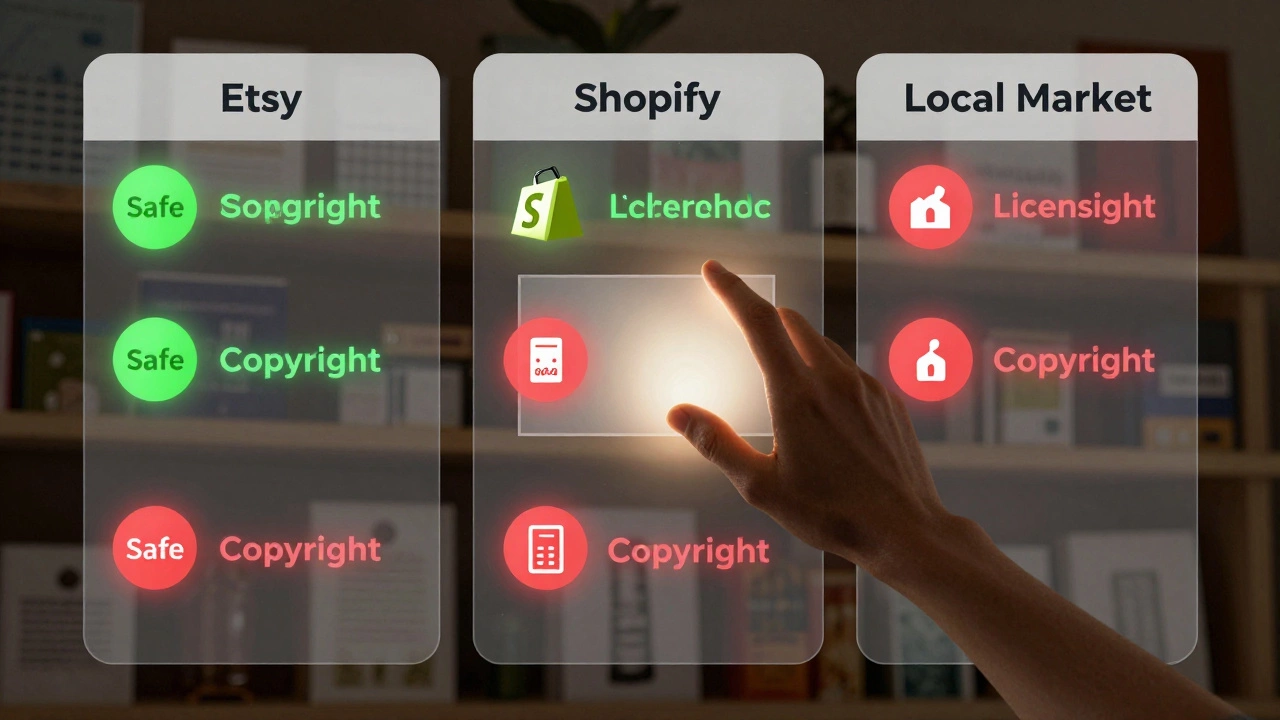
There’s no way to "get away" with using copyrighted material. Platforms like Etsy, Amazon, and Shopify now use automated systems to scan for copyright violations. And they’re getting smarter.
Final Answer: Is It Legal to Sell Designs From Canva?
Yes - if you use only the right assets. Canva gives you the tools to build sellable designs, but it doesn’t give you the right to use everything. Your responsibility is to check every element. Your safety comes from knowing what’s allowed. Don’t guess. Don’t assume. Don’t hope. Check. Every time.
Thousands of small businesses make money selling Canva-based designs. They do it legally. They don’t take shortcuts. And neither should you.
Can I sell Canva designs on Etsy?
Yes, you can sell Canva designs on Etsy - as long as every image, font, and graphic in your design is licensed for commercial use. Avoid templates with "Licensed" or "Editorial Use Only" tags. Use only Free or Pro assets, and always verify fonts before printing. Many successful Etsy sellers use Canva legally by building their own designs from scratch.
Do I need a Canva Pro subscription to sell designs?
You don’t need Pro to sell designs - but you do need it if you want to use Pro assets. Free assets are always safe for commercial use. Pro assets are also safe, but only if you have an active Pro subscription. If you cancel Pro, you can’t keep using Pro assets in new products. Always check the license status before selling.
Can I use Canva fonts on t-shirts and mugs?
Some Canva fonts are fine for merchandise, others aren’t. Always click on the font in Canva and select "View license." If it says "Commercial use allowed," you’re good. If it says "Web use only" or "Not for merchandise," don’t use it on physical products. Popular fonts like Poppins and Montserrat are safe. Ornate or branded fonts often aren’t.
Can I sell Canva templates as digital downloads?
Yes, you can sell Canva templates as digital downloads - but only if you created them using Free or Pro assets. You can’t include third-party licensed images, editorial photos, or fonts that don’t allow redistribution. Always disclose in your product description what assets buyers can and can’t use. Many designers sell templates successfully by sticking to Canva’s allowed content.
What happens if I get a copyright claim on Canva?
If you get a copyright claim, Canva may remove your design and suspend your account. The rights holder can also pursue legal action against you. Even if you didn’t know the asset was restricted, ignorance isn’t a legal defense. Always check licenses before selling. If you’re already flagged, remove the product immediately and contact the claimant to apologize and offer a refund. Cooperation often prevents lawsuits.